
From the blog
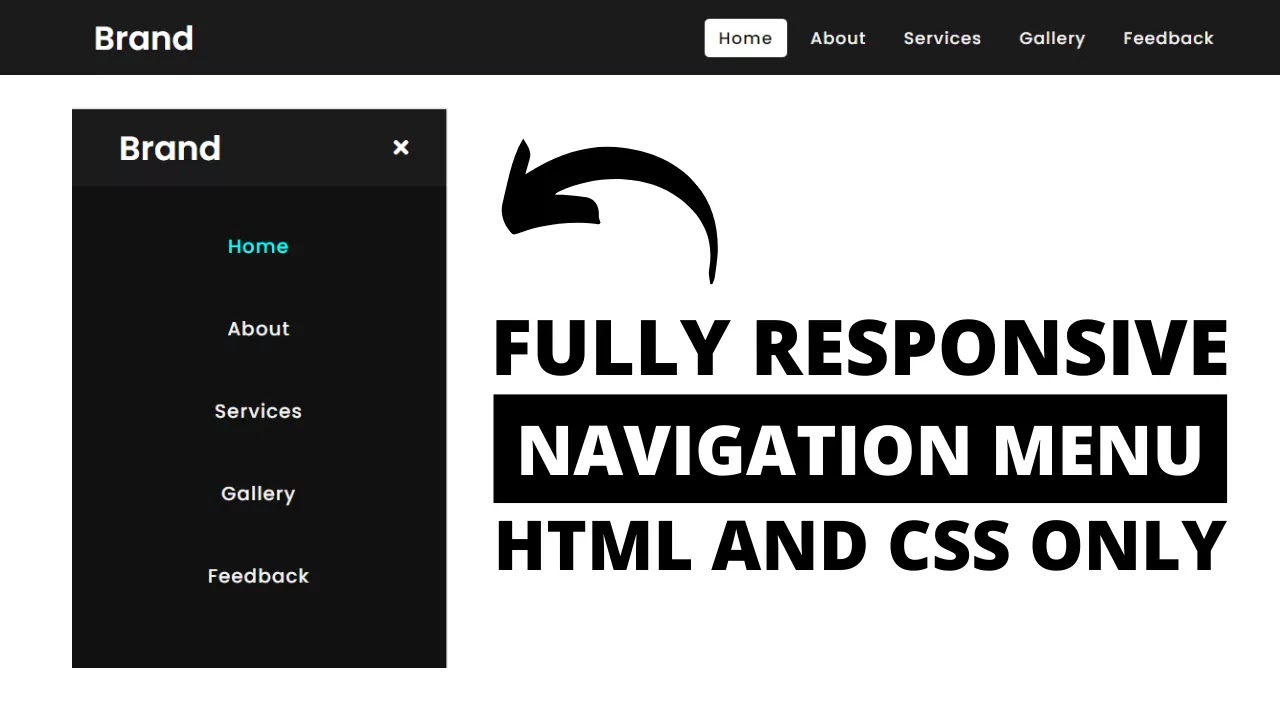
How to make navigation bar
IN HTML
<div class=”toggle”>
<a><i class=”fa fa-bars”></i></a>
</div>
<div class=”menu”>
<ul>
<li><a href=”#”>Home</a></li>
<li><a href=”#”>About</a></li>
<li><a href=”#”>Services</a></li>
<li><a href=”#”>Portfolio</a></li>
<li><a href=”#”>Contact Us</a></li>
</ul>
</div>
IN CSS
body{
margin: 0;
padding: 0;
background: #FFFC85
}
.toggle{
position: fixed;
top: 40px;
left: 40px;
z-index: 2
}
.toggle a{
text-decoration: none;
color: #262626;
font-size: 24px;
cursor: pointer;
}
.menu{
margin: 0;
padding: 0;
position: fixed;
top: 0;
left: -100%;
width: 100%;
height: 100%;
background: #FFF;
z-index: 1;
transition: 0.5s;
}
ul{
margin: 0;
padding: 0;
position: absolute;
top: 50%;
left: 50%;
transform: translate(-50%, -50%);
text-align: center;
}
ul li{
list-style: none;
}
ul li a:hover{
background: #FFFC85
}
.menu.active{
left: 0;
overflow: auto;
}
Posting content about codding

About Me
Hi, I’m sanket. I am 8th standerd I am learn codding or programing
 codewithsanket